
coc-markmap
MarkmapVisualize your Markdown as mindmaps with Markmap
Published Package Summary
coc-markmap

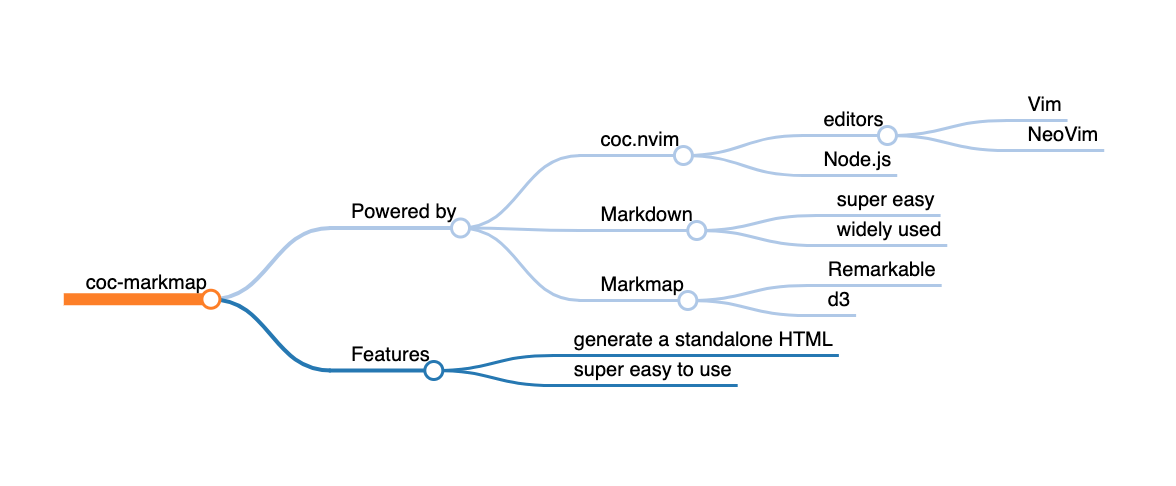
Visualize your Markdown as mindmaps with markmap.
This is an extension for coc.nvim.
If you prefer a CLI version, see markmap-cli.
Note: coc-markmap allows generating markmaps from current buffer or selected text, while the CLI version can only create markmaps from Markdown files.

Installation
First, make sure coc.nvim is started.
Then install with the Vim command:
:CocInstall coc-markmap
Usage
You can run the commands below in a buffer of Markdown file.
Generating a markmap HTML
:CocCommand markmap.create
Or inline all assets to work offline:
:CocCommand markmap.create --offline
This command will create an HTML file rendering the markmap and can be easily shared.
The HTML file will have the same basename as the Markdown file and will be opened in your default browser. If there is a selection, it will be used instead of the file content.
Transforming plugins are enabled by default, including syntax highlight with PrismJS and math typesetting with Katex.
Watching mode
:CocCommand markmap.watch
This command will start a development server and track your cursor.
The markmap will update once the markdown file changes, and the node under cursor will always be visible in the viewport on cursor move.
Configurations
CocConfig
You can change some global configurations for this extension in coc-settings.json.
First open the settings file with :CocConfig.
Key mappings
There is no default key mapping, but you can easily add your own:
" Create markmap from the whole file
nmap <Leader>m <Plug>(coc-markmap-create)
" Create markmap from the selected lines
vmap <Leader>m <Plug>(coc-markmap-create-v)
- Visualize your Markdown as mindmaps with Markmap
- onLanguage:markdown
Want to build, test, or contribute to coc.nvim extensions? Explore our official SDK and testing toolkits.
Open Developer GuideVersion History
This published npm package does not include a history.md or changelog.md file. Browse its npm versions or repository releases for available release information.
Contributed Commands
All contributes.commands entries from the published package manifest for coc-markmap@0.8.0.
This package does not declare any contributed commands.
Configuration Schema
All contributes.configuration entries from the published package manifest, including each raw property schema for coc-settings.json.
This package does not declare any configuration properties.